BD4 Soporte is remote control software which allows you to interact with a remote computer.
 |
Free
Download (platform-independent: 177 KB) |
You can download a jar file (you need the
Java Plugin)
which contains both client and server software.
Command line execution shows the parameters if you need to make
shortcuts:
The following example is a direct connection to a Mac (server) from
Windows (client):
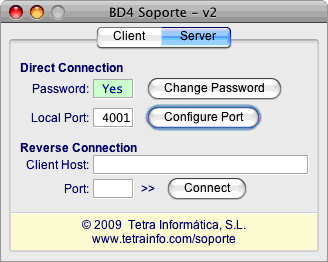
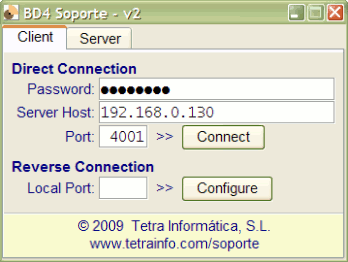
It is recommended that you set a password pressing the "Change Password" button. Then the password field of the server tab will be green and the password will be stored on a SoportePasswd.md5 file.
When you connect from the client, you can see the remote desktop:
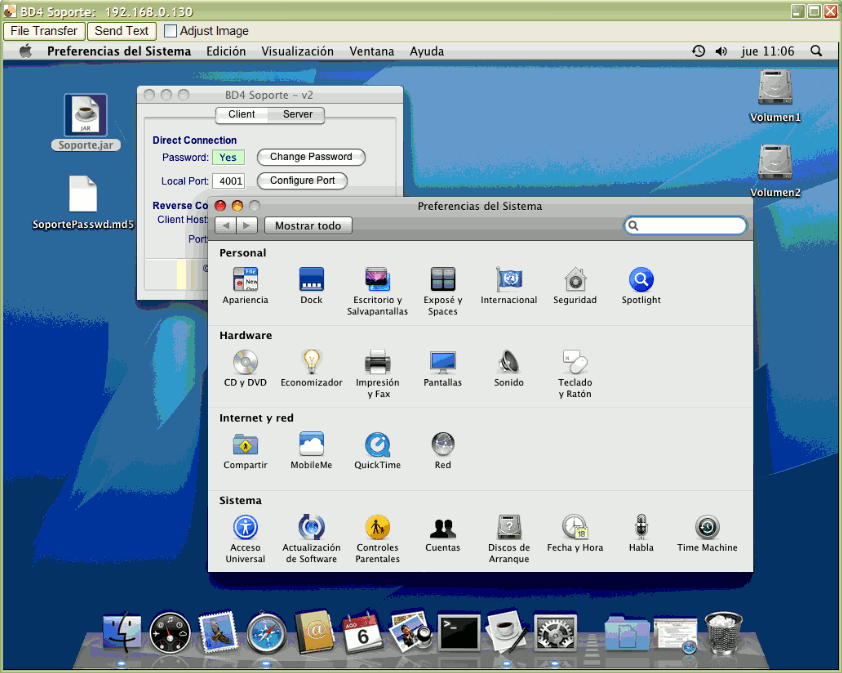
If there are some chars that you can't write, you can press the "Send Text" button. Then you can paste the text on the server.
This is the file transfer:
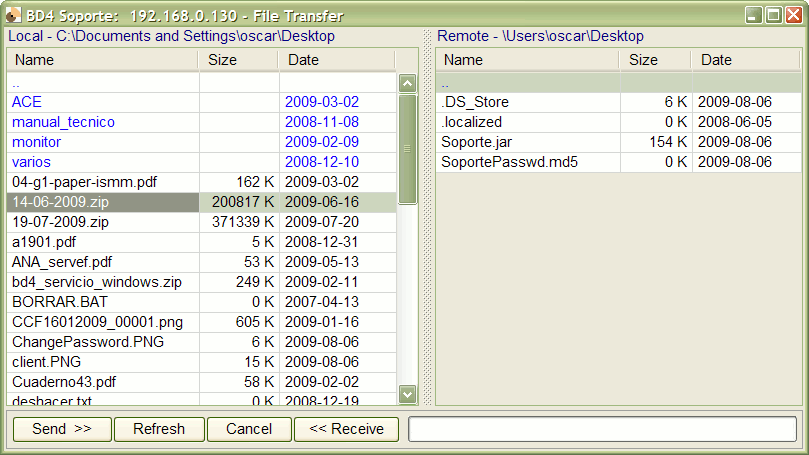
There are some limitations:

 Canal en YouTube